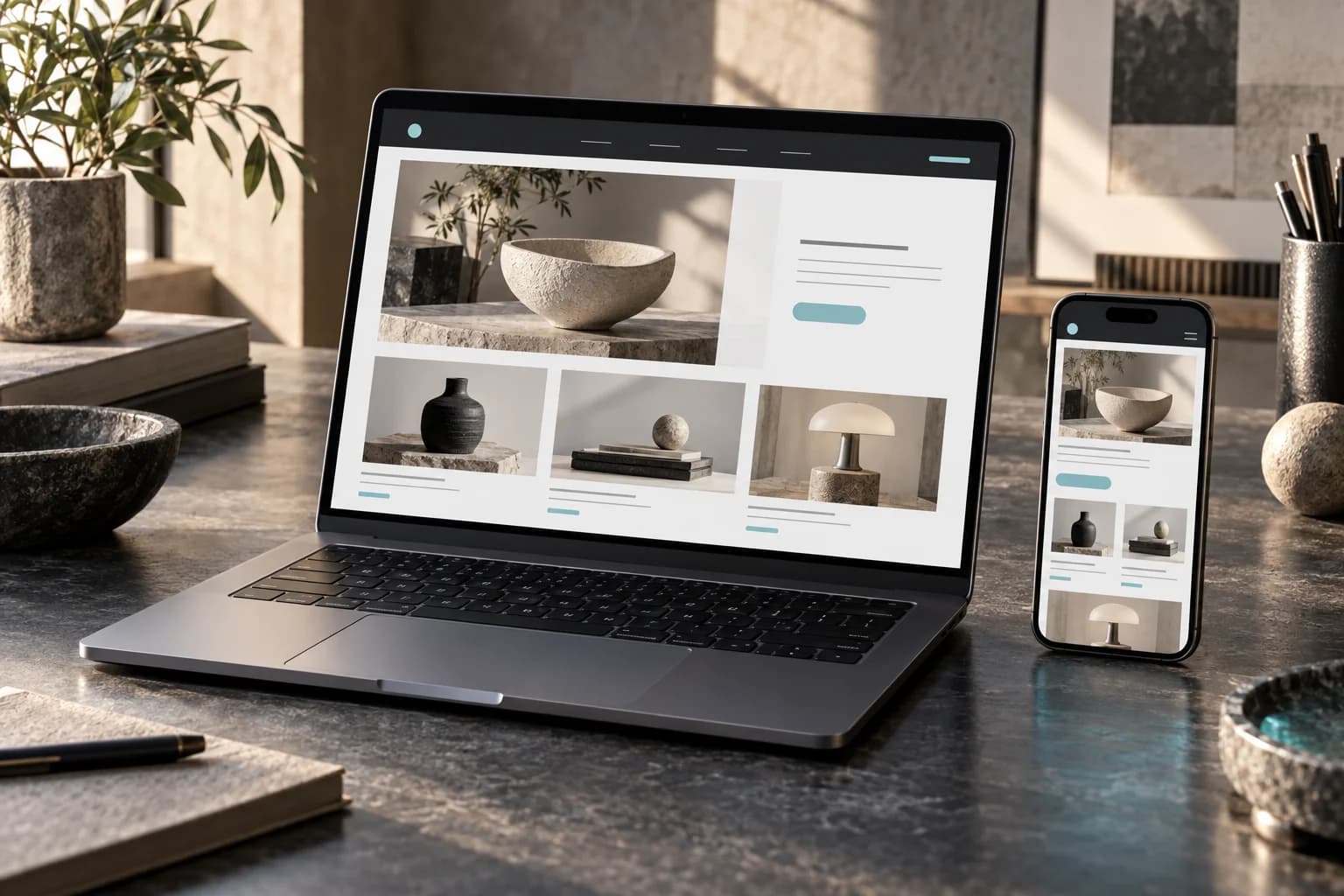
Web Design
High-performance websites built with modern frameworks. Fast, responsive, and conversion-optimized.
Choose and connect a cloud POS that fits your stock, sales and reporting needs. We help with setup, migration and ongoing support, with software and payment costs made clear.
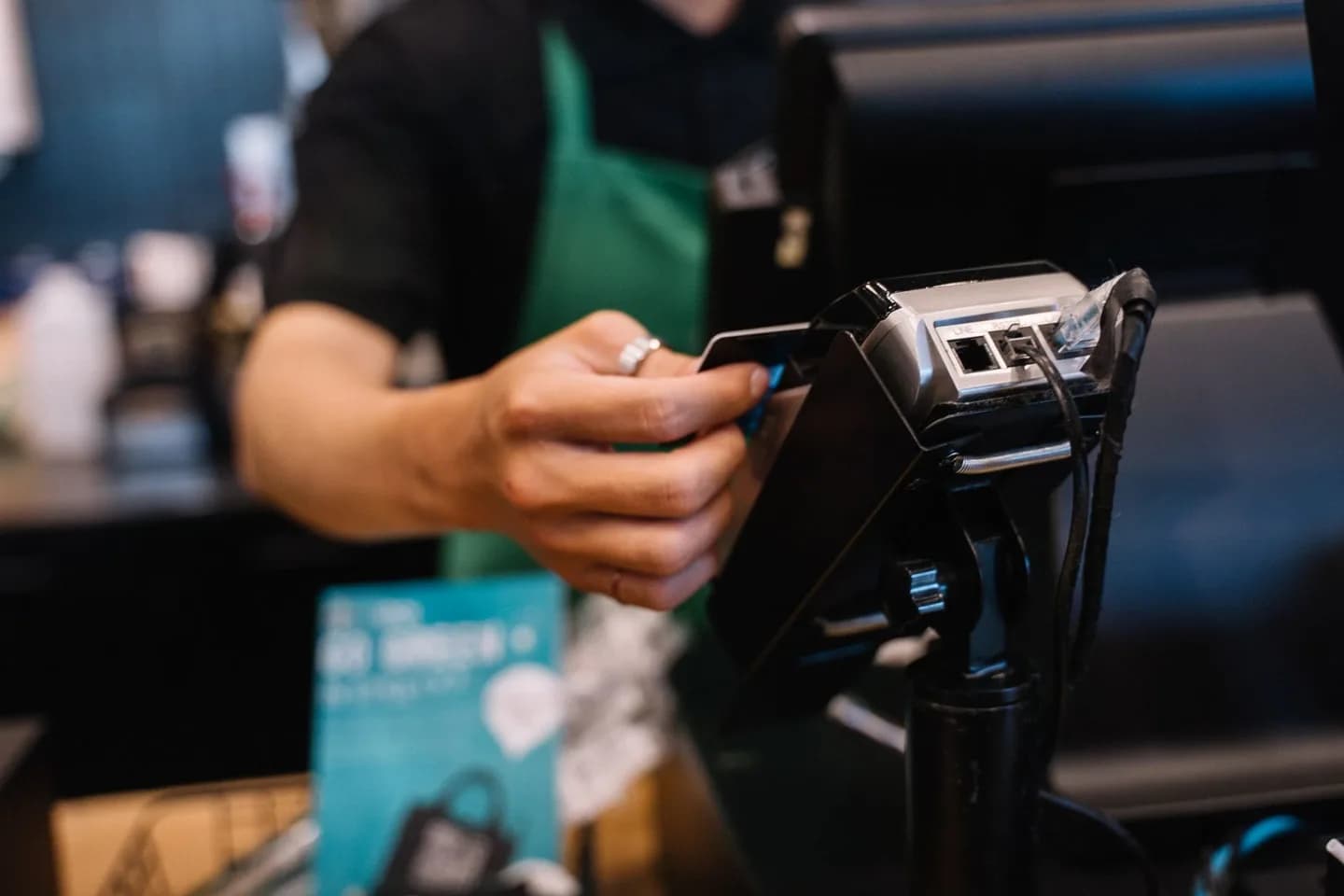
Plan sales, stock, staff and reporting around your locations. Available features depend on the POS software and licences selected.
Select supported tills and devices, with offline requirements checked before rollout.
Configure supported stock tracking, low-stock alerts and product records.
Set up the sales and stock reports available in your chosen software.
Review customer history and loyalty options, including any paid add-ons.
Check shared inventory and reporting needs before choosing licences for each location.
Confirm processor compatibility, staff permissions and the provider's security requirements.
These capabilities are available for your project. Your proposal confirms the deliverables, timeline and price before work starts.
Setup, migration, training and ongoing support are quoted for your locations and workflows. Third-party software licences, hardware and payment-processing fees are separate and itemised in your proposal.
You always know what's happening now, what happens next, and when.
We check the hardware and data you already have before quoting anything new.
Products, stock and customers imported; terminals configured.
Agree the staff training format, locations and cost in the rollout plan.
A parallel run, then cutover — with support on hand for the first weeks.
Practical details to settle before work starts.
Offline sales and payments depend on the chosen software, hardware and payment processor. We check your requirements and the provider's limits before recommending a setup, then agree a fallback process for an outage.
Add another service when it supports your goal.

Tell us the goal, your current setup and your budget. We'll recommend a scope and explain the next step before you commit.